AI-Powered Photo Editing Suggestions: How Photographers Can Offer Smart, Personalized Editing
Hire a team member that works 24/7 — for less than a part-time wage.
AI receptionists, SDRs, dispatchers and 99+ roles. Trained on your business, fully managed.
Not sure where to start? Ask our AI planner
The Bottleneck: Why Manual Editing Fails to Scale Personalization
Every photographer knows the pattern: the shoot takes four hours, the edit takes four days. Culling, exposure correction, skin retouching, and style matching are repetitive, detail-heavy tasks, and when you try to personalize them per client (warmer tones for the wedding couple, punchier contrast for the commercial client), the workload multiplies. Manual editing simply doesn't scale personalization. As AI adoption has grown across businesses of all sizes heading into late 2026, more photographers are finding that the fix isn't working harder, it's letting software handle the repetitive layer so your judgment goes where it matters.
AI as a Precision Assistant: Subtle Tools That Enhance Creative Control
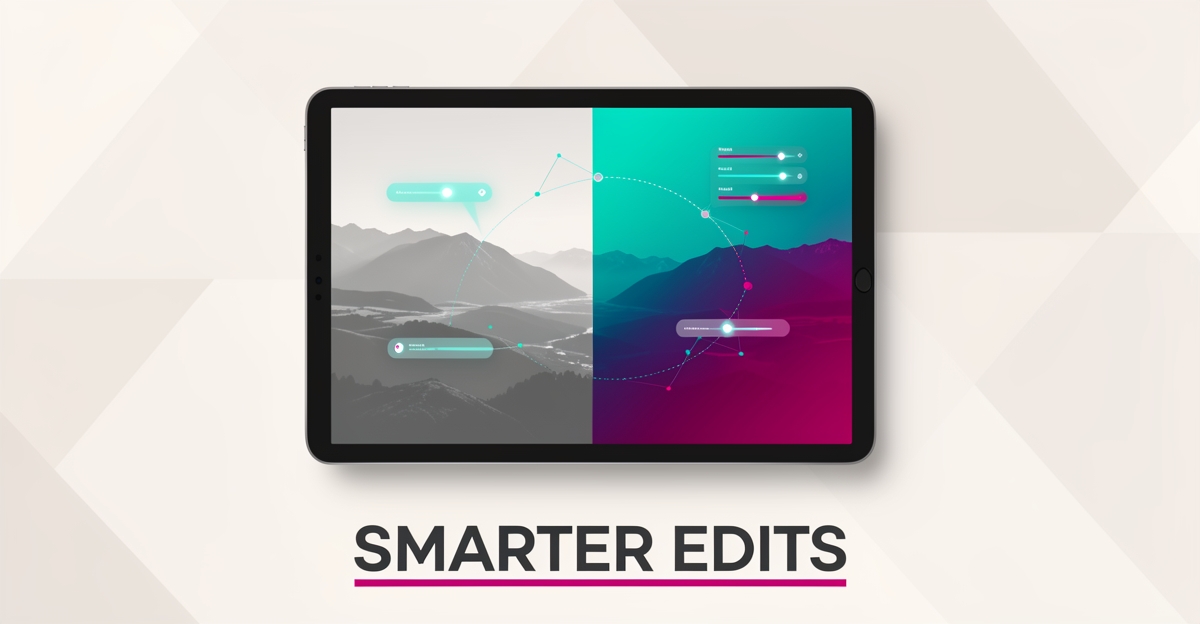
The best AI editing features are the ones clients never notice. Modern tools typically offer intelligent exposure balancing, subject-aware masking, one-click object or distraction removal, and batch-aware presets that learn your style. Used well, these features don't produce an "AI look", they produce cleaner versions of your look. The key discipline: treat AI suggestions as a first pass, not a final answer. Let the software get every image to 80%, then apply your eye to the 20% that defines the deliverable. That keeps results natural and keeps you in control of the creative outcome.
From Static Delivery to Smart Suggestions: Personalizing the Client Experience
Personalization doesn't stop at the edit itself. The bigger opportunity is in how you present work to clients. Instead of delivering a flat gallery, an AI-assisted workflow can:
- Suggest edit variations per client preference, warmer or cooler renditions based on what the client picked in past galleries.
- Auto-generate retouching options, light, medium, and full retouch previews so clients choose rather than request.
- Flag the strongest frames, surface hero images for albums, wall prints, and social crops automatically.
- Streamline revision requests, turn "can you brighten this?" into a structured, one-click feedback loop.
The result is a client experience that feels bespoke without adding hours to your week. Photographers who run client-facing workflows this way typically see fewer revision rounds and faster gallery approvals.
Embedding AI into Your Post-Shoot Workflow: A Practical Integration Framework
A practical phased rollout looks like this:
- Phase 1, Automate the repetitive layer. Culling, exposure balancing, and batch presets. This is where most of the time savings live.
- Phase 2, Add smart suggestions. Style-matched edit recommendations and client-preference-aware variations.
- Phase 3, Connect the client side. Galleries that accept structured feedback and generate revision tasks automatically.
If you want help rebuilding this specific workflow end to end, AIQ Labs' Workflow Builds rebuild the one process that costs you the most, at a fixed price, in phases.
Building a Scalable, Owned AI Editing System: Beyond Off-the-Shelf Apps
Off-the-shelf tools solve the editing layer. They don't solve the business layer: intake, client preference profiles, delivery, feedback, upsells, and rebooking. For that, you need a connected system you own outright, not another subscription that changes its pricing or features on you. AIQ Labs builds exactly this kind of layer, in phases, with clear milestones. With 200+ multi-agent systems deployed and four live SaaS products run daily, the approach is proven and practical. Start with the 2-minute Fit Check, or explore the full AI Operating Systems approach if you want one connected layer across your whole studio.
Still paying for 10+ subscriptions that don’t talk to each other?
We build custom AI systems you own outright. No vendor lock-in. Full control.
Not sure where to start? Ask our AI planner
Frequently Asked Questions
How can AI actually help me edit photos without making them look fake or over-processed?
What specific AI features can save me time during post-shoot editing?
Is AI photo editing only for casual users, or can professional photographers benefit too?
Can AI help me give clients personalized editing suggestions after a photoshoot?
What are the risks of relying too much on AI for photo editing, and how can I avoid them?
Do I need to be a tech expert to use AI-powered photo editing tools effectively?
Where AI Meets the Photographer's Vision
AI-powered photo editing suggestions are changing how photographers deliver personalized experiences, smart, automated recommendations for retouching, style consistency, and creative variations that preserve artistic intent. By integrating these tools into client-facing workflows, you can streamline post-shoot communication, reduce manual effort, and give every client edits that reflect their individual preferences. And when off-the-shelf apps aren't enough, a custom-built system you own outright scales with your studio. The next step is simple: book your free 30-minute strategy call to see how AIQ Labs can help you build solutions that align with your vision and workflow.
Make AI your competitive advantage — not just another tool.
Strategy, implementation and ongoing optimization. One partner, end to end.
Not sure where to start? Ask our AI planner