Can AI Replace the Artist’s First Draft? A Real-World Look at AI in Sculpture Design
Key Facts
- Major cloud and enterprise AI programs have shifted spending from model access toward embedding engineers directly inside customer businesses—implementation, not just tooling, is where value shows up.
- EU-funded industrial initiatives such as AI-MATTERS have validated AI in real manufacturing environments, emphasizing expert-guided testing before full deployment.
- Creative platforms are drawing lines on AI-generated content, with policies that typically deny royalties to fully AI-generated works and prohibit impersonation of specific artists.
- AIQ Labs has deployed 200+ multi-agent systems and runs 4 live SaaS products daily, giving it working insight into what makes AI augmentation succeed in practice.
Hire a team member that works 24/7 — for less than a part-time wage.
AI receptionists, SDRs, dispatchers and 99+ roles. Trained on your business, fully managed.
Not sure where to start? Ask our AI planner
The Creative Co-Pilot: Why AI Enhances Rather Than Replaces Early Sculpture Ideation
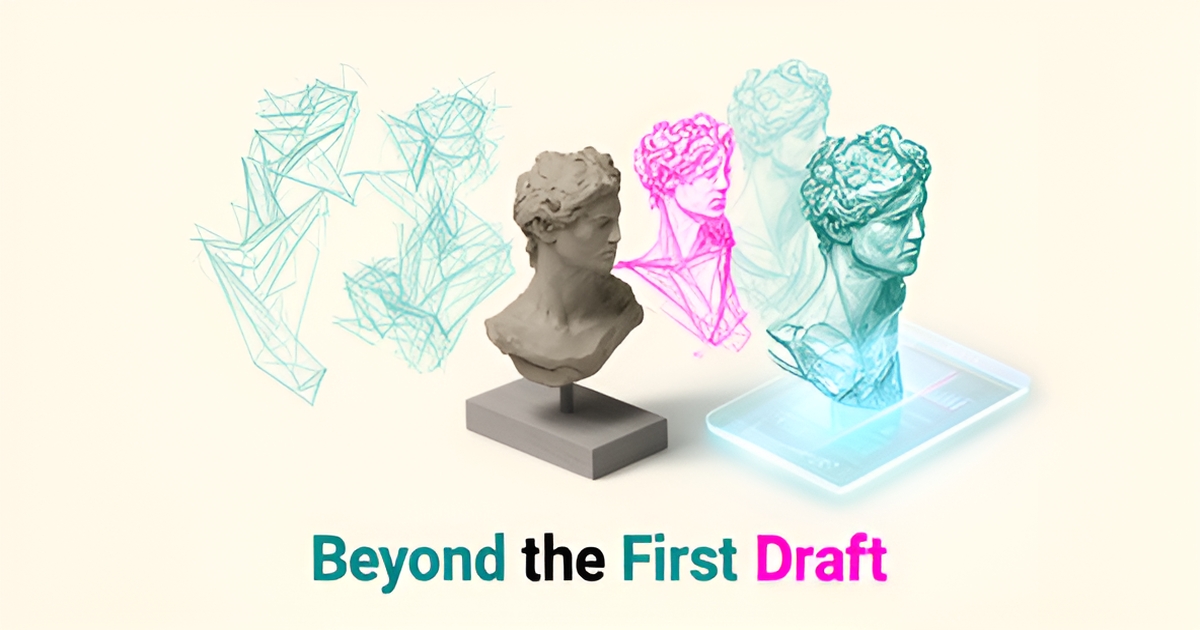
Artists often face the blank page—or in sculpture, the raw block—with a mix of excitement and hesitation. AI is now stepping in not to take over, but to help clear that initial mental hurdle by generating rapid concept sketches and style explorations that spark new directions. As of late 2026, the broader industry pattern is clear: AI implementation focuses on augmenting human expertise rather than replacing it, especially in creative workflows.
This co-pilot dynamic allows sculptors to offload the labor-intensive phase of generating dozens of preliminary forms, freeing them to focus on judgment, refinement, and emotional resonance—elements no algorithm can authentically replicate. Creative platforms have been reinforcing this boundary, with several typically stating that while artists should have freedom to create with AI tools, fully AI-generated works lack the human artistry worthy of compensation. The technology serves as a catalyst, not the creator.
- AI generates initial concept variations based on style prompts or reference images
- Artists select, combine, and evolve these outputs into meaningful directions
- Critical decisions about form, balance, and intent remain firmly human
- The process accelerates ideation without sacrificing artistic authority
This approach aligns with how forward-thinking organizations are deploying AI—not as a substitute for skilled teams, but as a force multiplier that handles early-stage exploration while preserving space for human mastery. Industrial validation efforts like the EU’s AI-MATTERS program further support this model, emphasizing real-world testing where AI systems are guided by expert oversight to ensure reliability and relevance. In sculpture, as in manufacturing or music, the most effective AI integration doesn’t seek to replicate the artist’s hand—it aims to amplify it.
From Model Access to Real-World Implementation: Lessons from AWS and AI-MATTERS for Sculpture Studios
Accessing powerful AI models is no longer the biggest hurdle for businesses; the real challenge lies in implementing them effectively within existing workflows. This shift from model access to real-world integration offers a clear roadmap for sculpture studios exploring AI, emphasizing structured testing, expert collaboration, and iterative validation.
A prime example of this implementation-focused shift is Amazon Web Services' Forward Deployed Engineering (FDE) organization. Backed by a reported billion-dollar investment, AWS embeds its own AI engineers directly into customer businesses. The goal is to move beyond basic tools and help companies build and deploy sophisticated "agentic AI" systems—signaling a major industry commitment to making AI work in practice, not just in theory.
The results of this hands-on approach, as reported by industry press, have been compelling: AWS engineers have helped customers like Lyft dramatically speed up driver support resolution and worked with BMW to reduce service disruptions across tens of millions of connected vehicles. The exact figures vary by report, but the lesson for any creative field holds: true AI value is unlocked through deep, collaborative implementation, not just by plugging into an API.
Similarly, the European Union's AI-MATTERS project provides a structured framework for validating AI in complex industrial environments. This multi-year, EU-funded initiative acts as a "Testing and Experimentation Facility" (TEF), giving businesses access to real-world manufacturing data, facilities, and expert guidance to de-risk AI adoption. It offers a blueprint for how to rigorously test and refine AI solutions before full-scale deployment.
For a sculpture studio, this translates into a clear, actionable strategy for integrating AI into the design process. Instead of a wholesale adoption, artists can follow a phased approach that mirrors these large-scale initiatives, ensuring the technology aligns with their creative vision.
- Collaborate with Experts: Partner with AI specialists who understand both the technology and the nuances of a creative workflow.
- Start with Structured Tests: Begin with small-scale experiments, using AI for specific tasks like generating initial concept sketches or exploring material textures.
- Validate and Iterate: Continuously assess the AI's output against your artistic standards, refining prompts and models in an iterative loop.
- Focus on Augmentation: Position AI as a tool to handle repetitive ideation, freeing up the artist to focus on refinement and execution.
This methodical process ensures that AI serves as a reliable creative partner. By adopting an implementation-first mindset, studios can harness AI's power without sacrificing artistic integrity. This is the core principle behind the work at AIQ Labs, where our AI Workflow Builds rebuild the one workflow that costs the most—fixed price, phased, and owned outright—so the technology acts as a true co-pilot, enhancing human expertise rather than replacing it. The journey from a concept to a finished sculpture is deeply human, and the right AI implementation respects that boundary.
Drawing the Line: Ethical Boundaries and Artist Rights in AI-Assisted Sculpture Design
The conversation around AI in creative fields is no longer about whether the technology can generate ideas—it's about how to ensure those ideas serve human artists rather than replace them. As industries from music to manufacturing grapple with AI's rapid integration, clear ethical boundaries are emerging to protect authorship, prevent misuse, and maintain the intrinsic value of human-led creation. Sculpture artists navigating this shift must understand how to use AI as a responsible ideation partner without compromising their creative integrity or legal standing.
Music streaming platforms' stances on AI-generated content offer an instructive parallel for visual artists. Tidal, for example, has announced that fully AI-generated tracks will not earn royalties and that it will not tolerate AI-generated music impersonating an artist or group. This reflects a growing industry consensus: while artists should have the freedom to create with AI tools, the output must be transparently labeled and cannot be presented as wholly human-made work seeking full compensation or credit. For sculptors, this means using AI to generate early sketches or style explorations is acceptable, but presenting those outputs as finished, original designs without significant human transformation risks undermining both ethical norms and potential future platform policies.
Maintaining authorship in AI-assisted sculpture design hinges on deliberate human involvement throughout the creative process. Artists should treat AI-generated concepts as raw material—like a maquette or mood board—requiring their unique interpretation, refinement, and physical execution to become true original work. This ensures the final piece reflects the artist's vision, not just an algorithm's output. Transparency is equally vital; disclosing AI's role in early ideation, much like citing reference photos or inspirational sources, builds trust with audiences, galleries, and collaborators. It also safeguards against accusations of deception, particularly as detection tools improve and platforms expand policies to cover "substantially AI-generated" content when reliability increases.
To use AI responsibly in sculpture ideation, artists can adopt several practical safeguards. First, use AI strictly for exploratory sketches or style references, never as a substitute for developing the final concept through personal artistic judgment. Second, significantly transform any AI-generated output—altering form, scale, material intent, or emotional resonance—so the final work is unmistakably the artist's own. Third, maintain clear documentation showing the evolution from AI idea to finished sculpture, demonstrating substantial human creative labor. Fourth, avoid prompting AI to mimic specific living artists' styles in ways that could facilitate impersonation, a practice platforms explicitly prohibit in music. Finally, consider how the work will be presented: if shared publicly or submitted for commissions, a brief note about AI's role in the initial phase aligns with emerging standards for ethical AI use in creative fields. These practices not only uphold artistic integrity but also position the artist as a thoughtful innovator in an evolving landscape. Structured, human-guided validation—the principle behind programs like AI-MATTERS—builds trust in AI applications, and it transfers directly to ethical artistic practice. For artists seeking to integrate AI thoughtfully into their workflow while retaining full creative control, a free 30-minute strategy call with AIQ Labs can help define responsible implementation boundaries tailored to sculptural practice.
Still paying for 10+ subscriptions that don’t talk to each other?
We build custom AI systems you own outright. No vendor lock-in. Full control.
Not sure where to start? Ask our AI planner
Frequently Asked Questions
Can AI actually replace an artist's first draft in sculpture?
Is AI just for tech companies, or can sculpture studios use it too?
How do artists keep authorship when using AI for early ideas?
Are there ethical rules about AI-assisted sculpture design?
What’s a safe way to start testing AI in a sculpture studio?
Will using AI hurt an artist’s credibility or compensation?
From First Sketch to Final Form: How AI Amplifies the Artist’s Hand
As we’ve explored, AI isn’t here to replace the sculptor’s vision—it’s here to clear the path toward it. By handling early ideation, generating rapid concept variations, and exploring stylistic directions, AI acts as a true creative co-pilot, freeing artists to focus on what only humans can do: refine, imbue with emotion, and bring intention to form. This mirrors how forward-thinking businesses are using AI—not as a substitute for expertise, but as a force multiplier that accelerates exploration while preserving space for mastery. Whether in sculpture studios or operational workflows, the most effective AI integrations are those that augment human judgment, not override it. For artists and organizations alike, the next step is thoughtful implementation: start small, validate continuously, and keep the human hand firmly on the wheel. To see how this co-pilot approach can work in your creative or business process, start with a 2-minute Fit Check and book a free 30-minute strategy call with AIQ Labs to explore responsible, high-impact AI integration tailored to your goals.
Make AI your competitive advantage — not just another tool.
Strategy, implementation and ongoing optimization. One partner, end to end.
Not sure where to start? Ask our AI planner