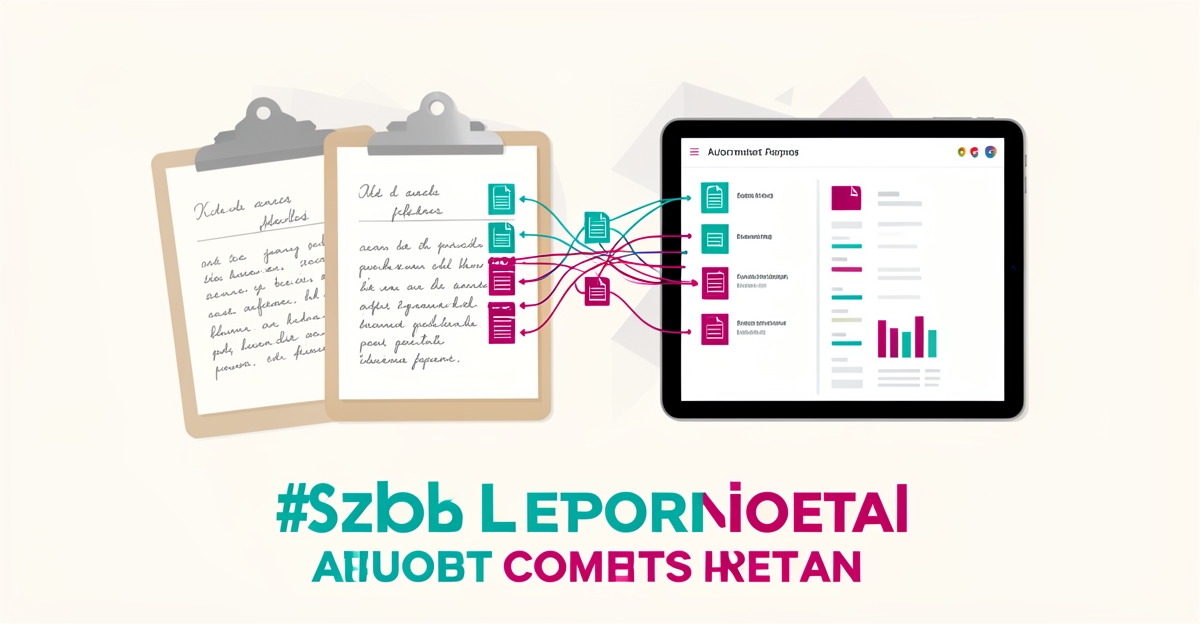
From Manual Logs to AI: Automating Waterproofing Job Reports in Under 60 Days
Key Facts
- Contractors typically spend several hours every week compiling manual job reports, time that comes straight out of crew management and business development
- Paper-based systems commonly delay client updates by a day or more
- Manual reporting introduces transcription errors, rework, and version-control problems that erode client trust
- Field technicians lose a meaningful share of reporting time deciphering illegible notes
- Automated reporting can dramatically cut weekly admin time for office staff and foremen
- A phased 60-day rollout, starting with one workflow, keeps disruption low and results measurable
Hire a team member that works 24/7 — for less than a part-time wage.
AI receptionists, SDRs, dispatchers and 99+ roles. Trained on your business, fully managed.
Not sure where to start? Ask our AI planner
The Manual Reporting Bottleneck Costing Contractors Time
Waterproofing crews still drip from the job site while the foreman spends another evening hunched over paper logs, translating scribbled notes into spreadsheets for the client portal. This daily ritual isn't just tedious, it's a silent profit leak. Contractors using manual reporting methods routinely lose several hours per week compiling job reports, time that could be spent on-site managing crews or pursuing new bids. Paper-based systems also introduce avoidable delays, with reporting bottlenecks commonly pushing client updates back by a day or more.
The cost of these delays extends beyond lost time. Handwritten logs are prone to smudges, misinterpretations, and missing details, especially when crews rush to finish entries at day's end. Spreadsheets compound the problem: version control issues, formula errors, and inconsistent formatting lead to discrepancies that require rework. Manual transcription introduces errors at every handoff, forcing supervisors to spend additional hours verifying data before client delivery. These inaccuracies erode trust, trigger payment delays, and increase the risk of disputes over work completion or material usage.
- Field technicians lose a meaningful share of their reporting time deciphering illegible notes or reconstructing missing entries.
- Spreadsheet-based reporting often goes through multiple revision cycles per report due to formatting inconsistencies.
- Clients frequently receive updated job status reports later than promised when relying on manual submission workflows.
The ripple effects touch every stakeholder. Project managers struggle to allocate resources effectively without real-time visibility into moisture readings, membrane application rates, or drainage test results. Accounting teams wait longer to invoice, impacting cash flow. Most critically, clients, already anxious about water intrusion risks, lose confidence when updates arrive late or contain conflicting information. In an industry where reputation hinges on reliability, these reporting delays aren't just inefficient; they're reputational liabilities.
AIQ Labs addresses this bottleneck through AI Workflow Builds, rebuilding the one reporting workflow that costs you the most, at a fixed price and in clear phases. The result isn't just faster reporting; it's a foundation for trust, built on accuracy and timeliness.
How AI Transforms Field Notes Into Automated Client Reports
Picture a crew foreman scribbling moisture readings and membrane details on a wet notepad at 4 p.m., then spending the evening retyping it all into a client report. That double-handling is exactly what AI-driven reporting eliminates. Automated systems now turn rough field notes into polished, portal-ready reports while the crew is still heading home.
The workflow starts with data extraction. AI document processing reads handwritten or dictated field notes, identifies key job details, site conditions, materials used, test results, timestamps, and structures them into usable data. This is where quality matters most: the accuracy of AI-driven reporting depends directly on the quality of the data captured in the field, so clear note-taking habits remain essential even after automation.
From there, report generation happens automatically. Instead of an office manager assembling documents by hand, the system drafts a formatted job report from the structured data, ready for review or immediate delivery. General-purpose assistants like Microsoft Copilot, Google Gemini, and ChatGPT can support this process by helping generate report text and answering questions along the way, though purpose-built systems handle the full end-to-end workflow more reliably.
The final step is syncing. Completed reports flow directly into client portals, so property owners and stakeholders see current job status without waiting for a phone call or email. This is where the collaboration payoff shows up:
- Clients get real-time visibility into job progress, reducing check-in calls and status requests.
- Office staff stop chasing foremen for paperwork and stop re-entering data by hand.
- Stakeholders work from a single source of truth, cutting down on misunderstandings and disputes.
- Documentation stays consistent across every job, which helps with warranties and compliance.
The measurable impact is significant. Automated reporting can cut weekly reporting admin dramatically, freeing crews and office staff from hours of repetitive work. Accuracy improves as well, because AI minimizes the errors and inconsistencies that creep in during manual data entry and retyping. And with reports synced to client portals, communication between contractors, clients, and stakeholders becomes faster and clearer, which reduces misunderstandings across the project lifecycle.
Two practical considerations deserve attention before implementation. First, integration: connecting AI reporting with existing systems can be complex and time-consuming, which is why a phased rollout, starting with a single workflow, is often the smartest path. Second, security: job reports can contain sensitive client and site data, so robust protection measures need to be built in from day one, not bolted on later.
This is the kind of system AIQ Labs builds for contractors: automated pipelines that extract data from field notes, generate reports, and sync with client portals, systems the contractor owns outright, with no per-seat subscription dependencies. For waterproofing businesses still running on paper logs, the technology is proven, AIQ Labs has deployed 200+ multi-agent systems and runs four live SaaS products of its own daily, and the 60-day transition window is realistic when the process is mapped properly before a single line of code is written.
60-Day Transition Roadmap From Paper to AI Reporting
Transitioning from manual logs to AI-powered reporting requires a clear, actionable plan. AIQ Labs guides contractors through a structured 60-day roadmap that begins with assessing current workflows and ends with optimized, automated reporting. This approach ensures minimal disruption while delivering measurable efficiency gains.
The first two weeks focus on discovery: mapping existing reporting processes, identifying manual bottlenecks, and evaluating data sources such as field notes, photos, and client communications. A readiness assessment determines integration needs with current tools like project management software or accounting systems. This phase establishes a baseline for measuring improvement and defines success metrics aligned with business goals.
During weeks three to four, the right AI approach is selected and scoped to the contractor's reporting needs. The priority is a system that extracts data from unstructured field notes, generates standardized reports, and syncs with client portals, while avoiding fragmented point solutions that create new inefficiencies. This is where a fixed-price, milestone-based build keeps scope and budget predictable.
In weeks five to seven, the system is built and trained using historical job data to recognize patterns in field documentation, extract key details like materials used or labor hours, and generate client-ready reports. The build is tailored to the contractor's specific workflows, not generic use cases, and integrated with existing tools via API connections so data flows without manual re-entry.
The final phase, roughly week eight through day 60, covers deployment, team training, and performance monitoring. Contractors receive role-specific training to work alongside the AI system, with ongoing optimization to improve accuracy and adapt to changing project types. Key metrics such as reporting time and error rates are tracked and adjusted to maintain peak performance. By day 60, contractors typically see reporting admin cut down to a fraction of its former burden, transforming a manual chore into a streamlined, reliable process.
Tools, Risks, and What to Watch When Automating Reports
Switching from paper-based job logs to AI-powered reporting brings real efficiency gains, but success depends on choosing the right tools and anticipating common hurdles. Contractors often start with accessible AI assistants like Microsoft Copilot or Google Gemini to draft reports from field notes, though these tools work best within their respective ecosystems and may require manual cleanup for construction-specific terminology. Purpose-built systems deliver more consistent results because they're designed around the full workflow, capture, extraction, report generation, and portal sync, rather than just the drafting step.
The biggest challenges lie not in the technology itself, but in data quality, system integration, and security. Inconsistent or illegible field notes, common in wet, dusty, or high-traffic job sites, can undermine AI accuracy, making standardized input methods essential. Integrating AI-generated reports with existing project management or client portals often requires custom API work, especially when syncing with platforms like QuickBooks, Procore, or Buildertrend. Additionally, job reports may contain sensitive client details or site-specific vulnerabilities, necessitating encryption, access controls, and audit trails to meet compliance expectations.
To adopt AI without disrupting field operations, contractors should begin with a pilot on a single job type or crew, using tools that support offline data capture and sync when connectivity returns. Training should focus on simple, repeatable actions, like voice-to-text note capture or photo tagging, rather than complex AI configuration. Starting with a targeted workflow fix lets teams validate benefits, refine processes, and scale confidently while maintaining control over data and systems. This phased strategy ensures AI enhances, rather than hinders, the daily rhythm of field work.
Ready to see what this looks like for your operation? Take the 2-minute Fit Check, then book a free 30-minute strategy call to map your reporting workflow, no pressure, no invented numbers, just a clear plan.
Still paying for 10+ subscriptions that don’t talk to each other?
We build custom AI systems you own outright. No vendor lock-in. Full control.
Not sure where to start? Ask our AI planner
Frequently Asked Questions
How much time can AI-driven job reporting actually save my crew?
What's the realistic timeline for switching from paper logs to automated reports?
Will AI actually read my crew's messy handwritten field notes accurately?
Can I just use ChatGPT or Copilot instead of building a custom system?
How does automated reporting connect with my existing project management software?
What happens to my data security when job reports contain sensitive client site details?
Make AI your competitive advantage — not just another tool.
Strategy, implementation and ongoing optimization. One partner, end to end.
Not sure where to start? Ask our AI planner