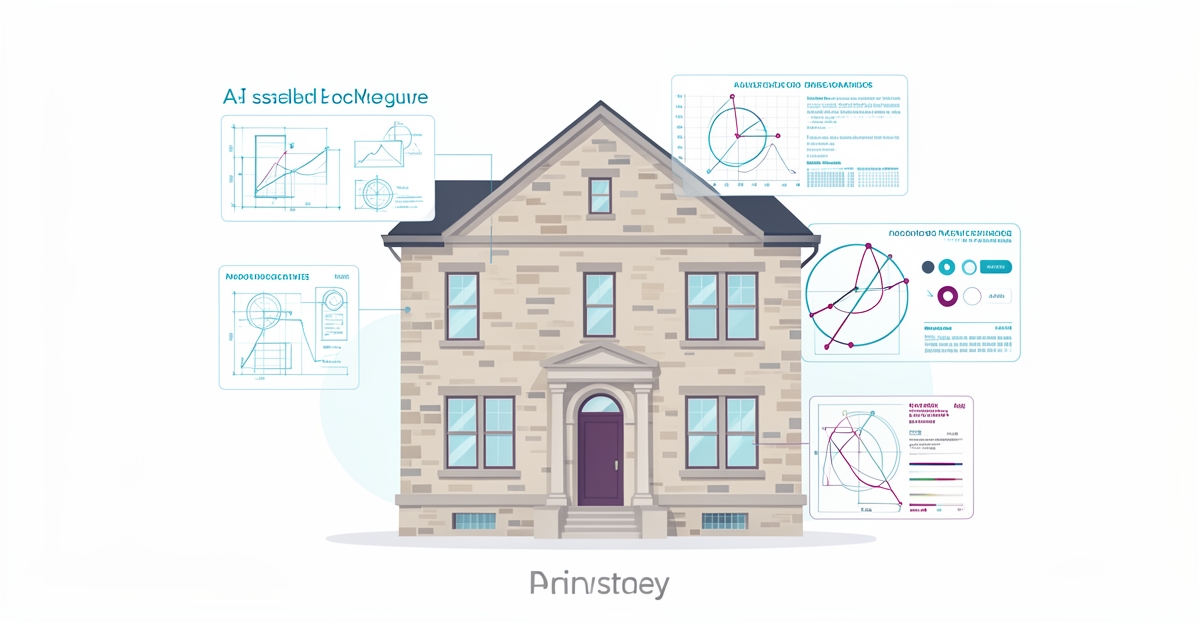
# How Historic Preservation Architects Can Use AI to Automate Documentation and Site Assessments
**Quick Answer:** Historic preservation teams routinely lose a large share of working hours—often cited as a quarter or more—to manual documentation. AI tools can cut that time dramatically while improving consistency, processing blueprints, photos, and field notes into compliant reports automatically.
## Key Facts
- Manual documentation can consume a significant share of a team's working hours—commonly estimated at up to 25%.
- AI-powered documentation tools are frequently reported to reduce documentation time substantially—often by half or more in AI-versus-manual comparisons.
- Machine learning applied to historical landmark documentation still faces challenges around regional bias and dataset accessibility, as noted in recent systematic reviews of the field.
- AI can flag risks earlier, automate compliance paperwork, and support field teams with real-time analysis.
- Firms that treat blueprints, photos, and field notes as structured data from day one get the most reusable archives.
## Table of Contents
- [The Hidden Time Drain in Historic Preservation Documentation](#the-hidden-time-drain-in-historic-preservation-documentation)
- [AI-Powered Documentation: Time and Accuracy Gains](#ai-powered-documentation-proven-time-and-accuracy-gains)
- [From Assessment to Action: Implementing AI in Preservation Workflows](#from-assessment-to-action-implementing-ai-in-preservation-workflows)
## The Hidden Time Drain in Historic Preservation Documentation
For preservation architects, the most valuable work is on site, not in front of a screen. Yet documentation keeps pulling teams back indoors, turning field insights into a backlog of reports, photos, and condition logs that must be standardized before a project can move forward.
Manual documentation can consume a large share of a team's working hours—estimates commonly run as high as 25%. That share is not evenly distributed. Regional bias and uneven dataset accessibility mean conventional methods get applied inconsistently across projects, creating bottlenecks when firms scale or collaborate.
The cost shows up in timelines and resource allocation. Field notes, measured drawings, archival photos, and condition assessments pile up between site visits. Teams reformat the same information for compliance, clients, and internal archives. Updates are manual, error-prone, and slow to integrate, which delays approvals and design decisions.
This time drain is structural. Conventional workflows rely on human transcription, manual tagging, and bespoke reporting templates. The result is time-consuming, resource-intensive documentation that is difficult to audit and hard to reuse.
The impact compounds across a portfolio:
- Staff spend a quarter of their week on paperwork instead of assessment and design
- Inconsistent formats slow cross-team review and client sign-off
- Archival records remain siloed, limiting reuse for future phases
- Project margins erode as documentation hours grow with building complexity
AI-powered documentation tools can reduce that time substantially—in many comparisons by half or more. Automation can standardize outputs, keep updates flowing into existing documents, and improve consistency across sites.
For firms focused on document processing and management, the opportunity is to treat blueprints, photos, and field notes as structured data from the start. AIQ Labs helps historic firms build custom systems that process these inputs to generate reports and flag anomalies, reducing manual effort without sacrificing accuracy or compliance.
The shift is from documentation as a post-site chore to documentation as a continuous, searchable asset. When routine capture and synthesis are automated, architects reclaim hours for analysis, conservation planning, and client engagement.
## AI-Powered Documentation: Time and Accuracy Gains
Historic preserv
AI Employees
Hire a team member that works 24/7 — for less than a part-time wage.
AI receptionists, SDRs, dispatchers and 99+ roles. Trained on your business, fully managed.
See If You’re a Fit — AI Employees from $700/mo
Not sure where to start? Ask our AI planner
ation architects spend countless hours manually documenting blueprints, photos, and field notes—time that could be redirected toward design innovation and client engagement. Manual documentation can consume a significant portion of a team's working hours, creating a real bottleneck in project workflows. AI-powered documentation tools can cut that time dramatically while improving consistency and accuracy across deliverables.
These tools use computer vision models to process complex architectural inputs without sacrificing compliance. Vision models excel at identifying structural details in scanned blueprints and historical photographs, while generative models synthesize field notes into standardized reports that meet preservation standards. By automating routine tasks like dimension extraction, material tagging, and condition notation, AI minimizes human error and ensures uniform output across large teams and multiple sites.
- Automated blueprint and photo analysis using pattern recognition
- Generative AI synthesis of field notes into compliant documentation templates
- Real-time anomaly detection in structural elements and material conditions
- Version-controlled updates that integrate with archival systems
- Multilingual output for international preservation projects
AIQ Labs helps preservation firms implement these capabilities through [custom workflow builds](/workflow-builds) that process blueprints, photos, and field notes to generate reports, flag anomalies, and reduce manual effort. The technology doesn't replace expert judgment—it amplifies it by handling repetitive documentation so architects can focus on interpretive work, material authenticity, and contextual storytelling. As of late 2026, AI's role in streamlining preservation workflows is no longer experimental; it's a practical path to greater efficiency and accuracy in safeguarding cultural heritage.
## From Assessment to Action: Implementing AI in Preservation Workflows
Moving from pilot to production is where preservation firms see the real return on AI. Manual documentation consumes hours that could go to analysis and design decisions, so the first win is reclaiming that time.
A practical adoption path starts with capturing site data in ways that AI can actually use. AI-enhanced field tools ingest photos, blueprints, and field notes and structure them into searchable records, improving consistency and accuracy across projects.
Once data is captured, automated reporting turns raw observations into preservation-ready deliverables. Systems generate condition summaries, anomaly flags, and compliance-ready reports from the same inputs. Owned, scalable solutions ensure firms control their data and workflows rather than renting fragmented subscriptions.
Integration is the step that makes AI stick. Connecting custom AI systems to existing project management, archival, and accounting tools creates a single source of truth. AIQ Labs builds these systems so outputs flow into the tools your team already uses.
Implementation can follow a clear workflow:
- Capture site data via AI-enhanced mobile capture and auto-tagging of photos, sketches, and notes
- Generate automated reports with condition assessments, risk flags, and standardized documentation
- Integrate outputs with existing preservation systems for seamless review and archival
- Monitor and refine models using field feedback to improve accuracy over time
Site assessments also benefit from real-time hazard detection and predictive safety analytics. AI can flag risks before they escalate and automate compliance paperwork. That capability matters in historic contexts where working conditions are variable and documentation must be defensible.
Sustainability goals align with automation too. AI can help track, measure, and reduce impact through material efficiency and whole-life carbon assessment—increasingly relevant as heritage retrofit projects face stricter environmental scrutiny
AI Development
Still paying for 10+ subscriptions that don’t talk to each other?
We build custom AI systems you own outright. No vendor lock-in. Full control.
See If You’re a Fit — AI Employees from $700/mo
Not sure where to start? Ask our AI planner
.
Firms can adopt in stages. Start with a single workflow fix through [Workflow Builds](/workflow-builds), add managed [AI Employees](/ai-employees) for ongoing documentation and reporting roles, and scale to a full [AI Operating System](/ai-operating-systems) with ownership of code, agents, and data. Payment models—Start Monthly, Build in Milestones, or Own It Outright—let you match the commitment to the risk.
## Frequently Asked Questions
**How much time do preservation architects actually spend on documentation?**
Estimates commonly run as high as 25% of a team's working hours, pulling staff away from site assessment and design work. That time goes to reformatting field notes, photos, measured drawings and condition logs for compliance, clients and archives. AI-powered tools can cut that documentation time substantially.
**Can AI really handle historic blueprints and field notes without losing accuracy?**
Yes. Vision models identify structural details in scanned blueprints and historical photographs, while generative models synthesize field notes into standardized, preservation-compliant reports. AI automates routine tasks like dimension extraction, material tagging and condition notation to improve consistency across sites.
**Will AI replace expert judgment in historic preservation?**
No. AI handles repetitive capture and synthesis so architects can focus on interpretive work, material authenticity and contextual storytelling. The technology amplifies expert judgment by flagging anomalies and structuring data, not by making conservation decisions.
**What are the biggest risks when using AI for heritage documentation?**
Regional bias and dataset accessibility remain significant concerns for machine learning in historical landmark documentation. Conventional methods get applied inconsistently across projects, creating bottlenecks when firms scale or collaborate. Owned, scalable solutions help firms control data and workflows rather than rent fragmented subscriptions.
**Can AI help with site safety and sustainability on historic projects?**
AI can support real-time hazard detection and predictive safety analytics, flagging risks before they escalate and automating compliance paperwork. It can also help track and reduce environmental impact through material efficiency and whole-life carbon assessment.
**How do firms start implementing AI without overhauling everything at once?**
A practical path starts with AI-enhanced mobile capture and auto-tagging of photos, sketches and notes, then automated reporting into condition summaries and compliance-ready reports. Firms can start with a single workflow fix, expand to department automation, and scale to a complete AI operating system with full ownership of code, agents and data.
## From Field Notes to Future-Ready Archives
Historic preservation architects reclaim the work that matters most when documentation stops being a post-site chore. AI can turn blueprints, photos, and field notes into structured, searchable assets from the start, cutting documentation time while standardizing outputs for compliance, clients, and archives. The shift moves teams from manual transcription and bespoke reporting to continuous capture, automated condition summaries, anomaly flags, and version-controlled updates that integrate with existing project systems. That consistency protects margins, accelerates approvals, and makes archival records reusable across phases.
For firms ready to implement, the practical path is to pilot AI-enhanced capture on one workflow, automate reporting from those inputs, and connect the results to your current preservation and archival tools with feedback loops that improve accuracy over time. AIQ Labs builds these systems—start with the [2-minute Fit Check](/apply) to map your biggest bottleneck, then book a free 30-minute strategy call to identify your highest-ROI automation opportunity. You can also reach the team at [email protected].
AI Transformation Partner
Make AI your competitive advantage — not just another tool.
Strategy, implementation and ongoing optimization. One partner, end to end.
See If You’re a Fit — AI Employees from $700/mo
Not sure where to start? Ask our AI planner