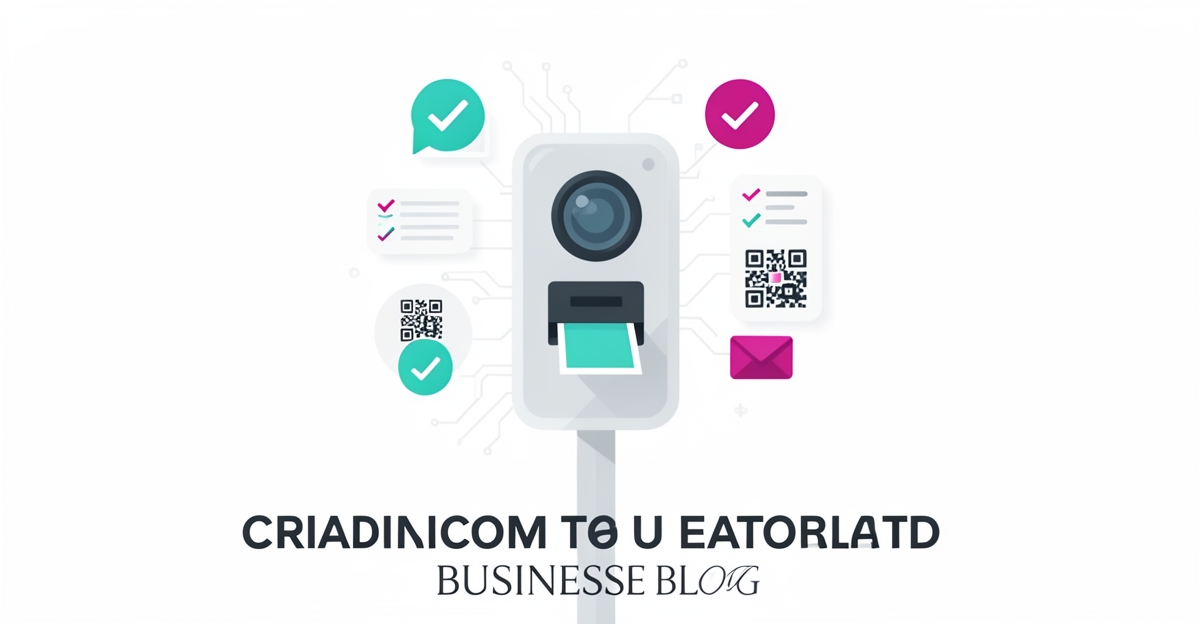
What to Look for in an AI Solution for Photo Booth Rentals: A Buyer's Checklist
Hire a team member that works 24/7 — for less than a part-time wage.
AI receptionists, SDRs, dispatchers and 99+ roles. Trained on your business, fully managed.
Not sure where to start? Ask our AI planner
Why Generic AI Photo Tools Fail Photo Booth Businesses
Most AI photo tools on the market were built for e-commerce sellers and content creators: one user, one image, plenty of time to tweak. A photo booth rental is the opposite. You get a line of guests, unpredictable venue lighting, a shared iPad or DSLR, and a four-hour window where nothing can go down for a break.
Generic tools fail here for three reasons:
- They're manual. Someone has to touch every photo. At an event with 200 guests, that's a person doing editing work instead of running the business.
- They don't talk to your hardware. Printers, cameras, tablets, and capture software from different vendors rarely play nicely with a consumer-grade editor.
- They weren't built for throughput. A tool that takes 30 seconds per image is fine for a product catalog and unusable for a live event queue.
The point isn't that generic tools are bad, it's that they solve a different problem. When you evaluate AI for a rental business, you're evaluating for autonomy, integration, and uptime, not editing quality alone.
The Four Non-Negotiable Evaluation Criteria
1. Integration
Ask the vendor exactly what the AI connects to: your camera or capture software, your printer (DNP and similar event printers are the usual suspects), your CRM or booking tools, and your delivery channels. If the answer involves CSV exports or manual steps, that's not integration, that's a workaround you'll pay for at every event.
2. Scalability
Can the system run a full event, typically several hours of continuous operation, without crashing, throttling, or needing a restart? Ask for evidence, not assurances. A demo in ideal conditions tells you nothing about a wedding reception with spotty Wi-Fi and a queue of guests. Also check what happens when you grow: does adding a second booth mean a second full licence, or can the system scale with your fleet?
3. Compliance and data handling
You're collecting biometric-adjacent data, faces, often from people who didn't sign anything. Ask where photos are stored, how long they're retained, whether guests can opt out, and whether the vendor processes data in a way that fits your local privacy rules (GDPR, PIPEDA, or state-level laws depending on where you operate). A vendor who can't answer these questions plainly is a liability at corporate events, where clients increasingly ask about data handling in the contract.
4. Event-specific features
This is where photo booth AI earns its keep: automated background removal and styling, instant delivery via QR code or email, print-on-demand, and branded overlays or templates. The test is whether these work end-to-end with zero staff intervention. If a human still has to shepherd each photo through the pipeline, you've bought a fancy editor, not an event system.
Red Flags That Signal a Poor-Fit Vendor
- Per-seat or per-photo pricing with no cap. Your costs should be predictable. Usage-based pricing that scales with your busiest event is a margin killer.
- "It works offline… mostly." Venues have bad Wi-Fi. If the system needs a stable connection for core functions, ask what fails gracefully and what doesn't.
- No clear data retention policy. If they can't tell you when guest photos are deleted, walk away.
- Vendor lock-in. If you can't export your templates, workflows, and customer data, you don't own your business, they do.
- Demo-only evidence. Ask for a live trial at a real event, or at minimum a sandbox you can push hard. Vendors who only demo the happy path usually can't survive the real one.
Your 10-Point Vendor Evaluation Checklist
- Does it process photos in real time at event pace (seconds per image, not minutes)?
- Does it integrate natively with your existing camera, tablet, and printer setup?
- Can guests receive photos via QR, email, and print without staff intervention?
- Has it been proven across a multi-hour continuous event, not just a demo?
- Is pricing fixed and predictable, or does it spike with volume?
- Is there a documented data retention and deletion policy for guest photos?
- Can guests opt out of AI processing or data storage?
- Does it handle bad lighting, group shots, and motion blur without manual fixes?
- Can you export your templates, workflows, and data if you leave?
- Is support available during event hours, in your time zone?
Score each vendor honestly. Anything below a confident "yes" on items 1–6 is a risk you'll feel at the worst possible moment: Saturday night, mid-event.
Next Steps: From Evaluation to Implementation
Once you've shortlisted vendors that pass the checklist, the next question is build-versus-buy. Off-the-shelf photo booth AI covers common scenarios; if your workflow has quirks, custom branding pipelines, unusual hardware, multi-booth coordination, a tailored system may cost less over time than forcing a generic tool to fit.
AIQ Labs builds custom AI systems that operators own outright, in phases with fixed milestones, no per-seat subscriptions, no lock-in. If you want a second opinion on your shortlist, or a map of what a tailored build would look like for your specific workflow, start with the 2-minute Fit Check, then book a free 30-minute strategy call. No obligation, just clarity.
Still paying for 10+ subscriptions that don’t talk to each other?
We build custom AI systems you own outright. No vendor lock-in. Full control.
Not sure where to start? Ask our AI planner
Frequently Asked Questions
What's the difference between a general AI photo editor and an AI solution built for photo booth rentals?
Can an AI photo booth handle a 4-hour corporate event without crashing?
How much space do I need to set up an AI photo booth at a venue?
What should I expect to pay for an AI photo booth system?
Do guests have to download an app or create an account to get their photos?
How do I know the AI won't store or misuse guest photos and data?
Your Checklist Is Ready, Now What?
You now have a clear framework for evaluating AI photo booth solutions across integration, scalability, compliance, and event-specific features, the four pillars that separate tools built for demos from tools built for paying gigs. The right choice doesn't just automate background removal; it handles unpredictable lighting, prints without jamming, delivers via QR and email simultaneously, and runs four hours straight without a babysitter. That's the difference between a novelty and a revenue engine. As you compare vendors, stress-test their promises against your busiest event scenario, not the best-case one. If you'd rather skip the trial-and-error and move straight to a system that fits your workflow, AIQ Labs builds custom AI systems that photo booth operators own outright, no vendor lock-in, no per-seat subscriptions. Start with a free 30-minute strategy call to map your biggest bottleneck and see what a tailored build would look like. No obligation, just clarity.
Make AI your competitive advantage — not just another tool.
Strategy, implementation and ongoing optimization. One partner, end to end.
Not sure where to start? Ask our AI planner