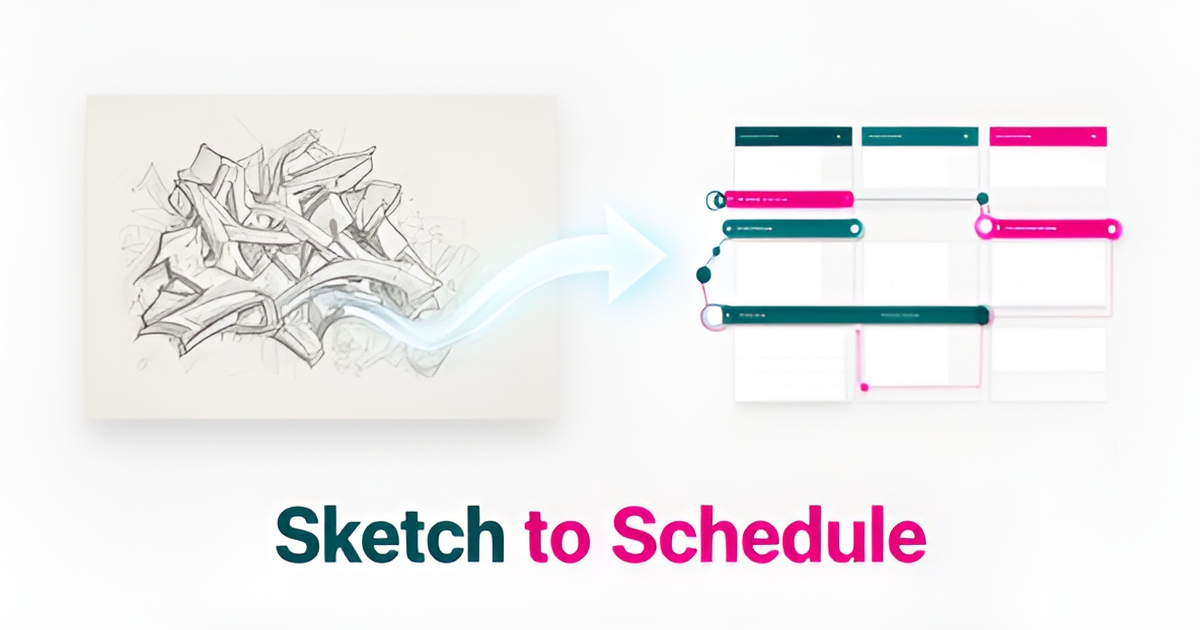
# From Sketches to Schedule: How AI Can Automate Mural Project Planning
**Quick Answer:** AI cuts mural planning from days to hours by unifying design analysis, timelines, and scheduling. Most teams see task-level speed gains from AI without system-wide alignment—AIQ Labs fixes this with custom multi-agent systems that integrate directly into your tools.
## Key Facts
- AI often creates speed at the task level while the system around the work stays fragmented—a pattern widely reported in AI adoption research
- Mural project planning typically spans design sketches, timeline estimates, and scheduling tools that don't talk to each other
- Managed AI Employees from AIQ Labs cost roughly 80% less than an equivalent human hire while working 24/7/365
- Open-source agent frameworks have matured to the point where multi-agent systems are production-ready, though they still require engineering expertise to deploy
- AIQ Labs offers Start Monthly, Build in Milestones, and Own It Outright payment models
## Table of Contents
1. [The Fragmentation Problem in Creative Project Planning](#the-fragmentation-problem-in-creative-project-planning)
2. [AI Orchestration: From Disconnected Tasks to Unified Workflow](#ai-orchestration-from-disconnected-tasks-to-unified-workflow)
3. [Implementation: Integrating AI into Existing Project Management](#implementation-integrating-ai-into-existing-project-management)
4. [Business Impact: Ownership, Cost, and Scalability](#business-impact-ownership-cost-and-scalability)
## The Fragmentation Problem in Creative Project Planning
Mural project planning often feels like assembling a puzzle with pieces scattered across different rooms—design sketches live in one tool, timeline estimates in another, and scheduling in a third, with no clear way to see how they fit together. This disconnect creates context loss, where critical details about surface preparation, material drying times, or artist availability get lost between phases, leading to delays and misaligned expectations.
This fragmentation mirrors a broader challenge in AI adoption: while tools accelerate individual tasks like generating design variations or calculating paint quantities, they rarely connect these outputs into a cohesive workflow. Designers might use AI to refine a client's sketch in minutes, but without integration to scheduling systems, that output doesn't inform crew allocation or weather-dependent timelines. Similarly, timeline estimators relying on historical data can't automatically adjust for site-specific constraints like accessibility or local permit processes when those details remain siloed in separate platforms.
The consequence isn't just inefficiency; it's eroded trust. When artists receive schedules based on outdated site assessments or clients see timelines that ignore agreed-upon design revisions, confidence in the planning process diminishes. Teams end up spending more time reconciling discrepancies than executing the mural itself. This is where AIQ Labs' approach to workflow integration becomes relevant—by connecting design analysis, timeline estimation, and scheduling into a unified system, AI can preserve context from initial concept to final brushstroke, turning fragmented efforts into a coordinated workflow that reflects both creative vision and practical constraints.
## AI Orchestration: From Disconnected Tasks to Unified Workflow
The real bottleneck in mural project planning isn't a lack of talent or creativity—it's the friction of disconnected tasks. While a designer might use AI to generate a concept in seconds, the operations team still spends days manually cross-referencing artist availability, material lead times, and site constraints. This disconnect between task-level speed and systemic execution is exactly what modern AI orchestration solves.
Across industries, a familiar pattern shows up: AI improves the speed of completing individual work, yet teams rarely report improved clarity and alignment across stakeholders. The gap reveals the core problem: **AI is creating speed at the task level while the system around the work stays fragmented**. For mural businesses, this means a client design might be analyzed instantly, but the project still stalls when the schedule doesn't account for an artist's travel time between Halifax and a remote site, or when specialized materials haven't been ordered.
True orchestration moves beyond isolated automation to coordinated execution. Instead of siloed tools, multi-agent AI systems function as a unified workflow where specialized agents handle distinct planning phases simultaneously. One agent analyzes the client's design files to extract dimensions and color complexity; another cross-references local weather patterns and site accessibility to estimate realistic timelines; a third checks artist availability against the project calendar.
These systems don't just process data—they integrate with your existing
AI Employees
Hire a team member that works 24/7 — for less than a part-time wage.
AI receptionists, SDRs, dispatchers and 99+ roles. Trained on your business, fully managed.
See If You’re a Fit — AI Employees from $700/mo
Not sure where to start? Ask our AI planner
project management infrastructure to auto-generate actionable schedules. Key capabilities include:
- Design analysis agents that interpret client sketches and extract material requirements
- Timeline estimation engines that factor in location constraints and seasonal weather patterns
- Resource coordination agents that sync artist availability with material delivery windows
- Schedule generation that outputs directly into your existing project management tools
This shift from fragmented apps to integrated orchestration reflects a broader enterprise trend: spending is moving toward systems of action—workflow and orchestration platforms—because isolated AI gains fail to deliver aligned execution. The value isn't just in doing things faster—it's in **coordinated execution that cuts planning from days to hours**.
At AIQ Labs, we build these custom multi-agent systems to integrate directly into your existing operations, creating a unified workflow where design analysis, resource allocation, and scheduling happen as a single, automated process. For businesses that want to start with the single workflow that costs the most, our [Workflow Builds](/workflow-builds) service rebuilds that one process at a fixed price, in phases. By centralizing the working context rather than just the data, mural businesses can finally match their creative speed with operational precision.
## Implementation: Integrating AI into Existing Project Management
The promise of AI in project planning is clear, but the path from a powerful tool to a fully integrated system is often where businesses stumble. True automation isn't about adding another app; it's about making your existing systems—your CRM, scheduling software, and inventory databases—speak the same language.
This is where many AI initiatives fail. They become isolated pockets of productivity that create speed at the task level while the system around the work stays fragmented. An AI might generate a project schedule in seconds, but if it can't access real-time artist availability from your calendar or material stock levels from your inventory system, it's just creating more manual work downstream.
To avoid this, a structured implementation framework is essential for connecting AI directly into the tools you already use:
- **Identify Fragmentation Points:** Pinpoint where AI creates output without improving execution, such as generating a project brief that doesn't automatically update the master schedule.
- **Map Context Loss:** Trace how critical information—like a client's specific design feedback or a change in material availability—gets lost between your CRM, project management board, and team communications.
- **Define Shared Workflows:** Establish a single, unified process for how a project moves from concept to completion, ensuring every step and stakeholder is connected.
- **Centralize Working Context:** Create a single source of truth where the AI can access and synthesize data from all connected systems, not just siloed data points.
- **Measure Alignment, Not Just Productivity:** Shift focus from tracking individual task speed to measuring how well the entire system works together to reduce delays and errors.
The technical backbone for this level of integration is often the **Model Context Protocol (MCP)**, which allows a custom AI system to securely connect to and take action within your existing software. Instead of just reading data, the AI can execute workflows—checking inventory, cross-referencing artist schedules, and updating project timelines automatically.
This approach directly addresses a core business challenge. When information is scattered across too many tools—a complaint common in nearly every industry—teams struggle to keep decisions informed. By centralizing this context, you empower the AI to make genuinely informed decisions.
Ultimately, a successful implementation transforms AI from a simple content generator into a coordinated execution engine. It's the difference between an assistant that drafts a schedule and a system that intelligently manages it. At AIQ Labs, we build custom AI systems with these deep, MCP-driven integrations, ensuring the technology you own works as a true extension of your operational workflow.
## Business Impact: Ownership, Cost, and Scalability
The planning bottleneck in mural projects isn't just about time—it's about the hidden costs of fragmented coordination. When designers, contractors, and clients operate from different versions of the schedule, rework compounds and margins erode.
Traditional planning relies on manual handoffs that create the same fragmentation AI often introduces at the task level. Speed without coordination simply produces misaligned output faster.
Custom-built AI Employees solve this differently than off-the-shelf tools. Because the system is architected for your specific workflows—not adapted from a generic template—it integrates directly with
AI Development
Still paying for 10+ subscriptions that don’t talk to each other?
We build custom AI systems you own outright. No vendor lock-in. Full control.
See If You’re a Fit — AI Employees from $700/mo
Not sure where to start? Ask our AI planner
existing project management infrastructure, calendar systems, and communication channels. The result is a planning agent that works 24/7/365, never misses a dependency, and maintains a single source of truth across every stakeholder.
- Roughly 80% lower cost than hiring a human coordinator for equivalent planning work
- Full code and IP ownership available—no vendor lock-in or platform dependencies
- Two-way API integration with tools your team already uses
- Continuous optimization included, not billed as professional services
Open-source agent frameworks have proven the underlying technology is production-ready, with mature multi-agent systems deployed across industries. But raw frameworks require engineering expertise most SMBs don't have in-house. AIQ Labs bridges that gap with managed [AI Employees](/ai-employees)—custom-built, fully trained, and continuously optimized across 99+ roles—that function as permanent team members rather than software subscriptions. We've deployed 200+ multi-agent systems and run four live SaaS products daily, so the approach is tested on our own operations, not just client work.
The **Start Monthly** model makes this accessible: a flat monthly investment below a part-time hire's cost, covering build, training, integrations, monitoring, and improvements with the flexibility to pause or adjust anytime. Businesses with a defined project scope can **Build in Milestones** with phased, fixed-price delivery. And for those ready to own their planning intelligence outright, the **Own It Outright** path transfers full code ownership upon completion. See the details on our [pricing](/pricing) page.
## Frequently Asked Questions
### Why does mural project planning feel so fragmented even when we use AI tools?
Design sketches, timelines, and scheduling often live in separate tools, causing context loss on surface prep, drying times, and artist availability. AI speeds up individual tasks but rarely connects them into a coordinated system, so the fragmentation persists.
### Does AI actually speed up mural planning or just create more work?
It depends on integration. Task-level AI (generating concepts, estimating quantities) is fast, but without connection to your calendar, inventory, and scheduling tools, the output creates more manual work downstream. Orchestrated multi-agent systems close that gap.
### How can AI connect design analysis, timelines, and scheduling into one workflow?
Multi-agent orchestration lets specialized agents analyze designs for materials, cross-reference weather and site constraints, and sync artist availability, then auto-generate schedules into your existing project tools—all as one automated process.
### What's the risk of using off-the-shelf AI tools for mural planning?
Off-the-shelf tools create isolated speed at the task level while the system stays fragmented, leading to outdated schedules and eroded trust. Generic templates also can't adapt to your specific site constraints, crew structure, or client workflows.
### Can small mural businesses afford custom AI orchestration?
Yes. AIQ Labs' managed AI Employees cost roughly 80% less than an equivalent human hire, with Start Monthly plans below a part-time hire's cost that include build, training, integrations, and monitoring. Build in Milestones and Own It Outright options are available for defined projects.
### What proves multi-agent AI is production-ready?
Mature open-source agent frameworks and the growing enterprise shift toward orchestration platforms show the technology works at scale. The challenge is deployment expertise—which is why managed providers like AIQ Labs handle build, integration, and ongoing optimization for you.
## From Fragmented Planning to Coordinated Execution
Mural project planning doesn't fail due to lack of creativity—it stalls when design insights, timeline estimates, and scheduling live in separate tools, forcing teams to waste time reconciling discrepancies instead of executing the work. AI often speeds up individual tasks without improving system-wide alignment—a gap that erodes trust and inflates costs through rework and delays. The solution isn't more isolated automation, but AI orchestration that connects design analysis, resource coordination, and schedule generation into a unified workflow, turning fragmented efforts into a single source of truth that reflects both creative vision and practical constraints. For businesses that want a fully connected planning layer built in phases and owned outright, an [AI Operating System](/ai-operating-systems) may be the right fit. Ready to find out where context gets lost in your current process? Start the [Fit Check](/apply)—a two-minute assessment leading to a free 30-minute strategy call with an AI engineer—to map your biggest bottleneck and discover high-ROI automation opportunities tailored to your workflow, with no obligation and a clear win or honest feedback guaranteed.
AI Transformation Partner
Make AI your competitive advantage — not just another tool.
Strategy, implementation and ongoing optimization. One partner, end to end.
See If You’re a Fit — AI Employees from $700/mo
Not sure where to start? Ask our AI planner