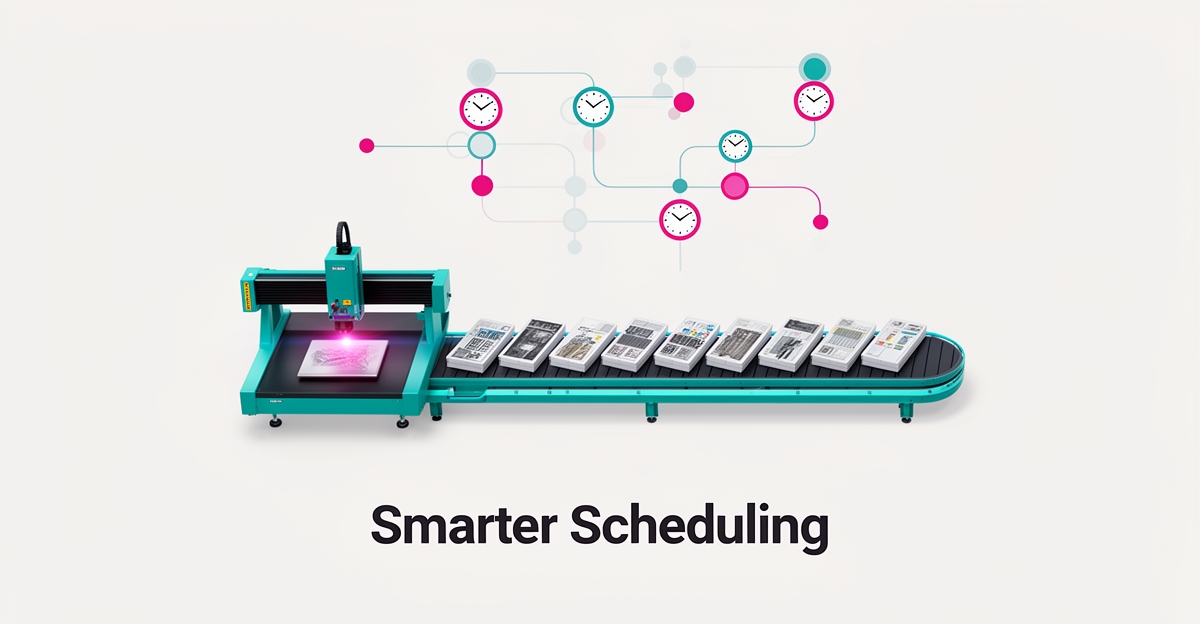
How AI Can Optimize Engraving Production Scheduling to Reduce Wait Times
Key Facts
- Planners reportedly spend around half their time on reactive work like rescheduling and responding to breakdowns according to Humble Operations.
- Manual rescheduling can take up to 2 hours, during which the shop bleeds throughput per Humble Operations research.
- AI scheduling has been reported to reduce rescheduling time by as much as 90% — from hours to minutes as shown by Humble Operations.
- AI-driven scheduling can improve production throughput by roughly 15% by optimizing schedules and reducing wait times per Humble Operations data.
- Live machine data is foundational; without it AI schedulers optimize against assumptions rather than actual shop floor conditions according to Excellerant Manufacturing.
- For fast-paced manufacturing, machine availability should drive scheduling decisions over job priorities per Fabrico analysis.
Hire a team member that works 24/7 — for less than a part-time wage.
AI receptionists, SDRs, dispatchers and 99+ roles. Trained on your business, fully managed.
Not sure where to start? Ask our AI planner
The Engraving Bottleneck: Wait Times, Idle Machines, and Manual Scheduling Limits
Every engraving shop knows the feeling: the schedule looks perfect at 7 a.m., and by 9 a.m. it's fiction. A rush order lands. A laser tube fails. Material shows up late. The Gantt chart on the whiteboard — or the static ERP plan — cannot adapt, so the shop floor improvises. Operators run jobs out of sequence. Queues build behind the downed machine. The plan and the floor part ways, and nobody updates the document until the next shift meeting.
This is the daily reality of manual scheduling in high-mix engraving environments. Research shows that planners spend roughly half their time on reactive work — chasing fires, rewriting sequences, and fielding "when will my order be ready?" calls. When a disruption hits, manual rescheduling can take up to 2 hours, during which the shop bleeds throughput. Meanwhile, a machine goes down, a rush order arrives, or a tool breaks, and the entire schedule becomes obsolete.
The constraints that break static plans are exactly what engraving shops juggle daily:
- Rush orders that demand immediate insertion into a full queue
- Unplanned machine downtime (laser sources, chillers, motion systems)
- Material delays — specialty acrylics, coated metals, certified woods
- Tooling constraints: lens focal lengths, rotary attachments, fixturing availability
- Operator certifications for specific machine-class combinations
Traditional MRP and ERP systems assume infinite capacity and fixed lead times, ignoring machine availability and labor shifts. They treat the schedule as a prediction rather than a living control layer. The result: idle lasers sitting next to backlogged orders, expedited shipping costs eating margins, and planners burning out on spreadsheet triage.
AIQ Labs works with shops facing exactly this bottleneck. Our AI Workflow Builds approach rebuilds the one workflow that costs you the most — often scheduling and dispatch — connecting real-time shop floor data (machine status, material inventory, job priorities) into a scheduling layer that continuously re-optimizes. Instead of planners spending hours rebuilding Gantt charts, the system recalculates in minutes, surfacing only the exceptions that need human judgment. The planner stops chasing fires and spends their time on capacity decisions and exceptions.
How AI Reads Job Types, Materials, and Lead Times to Optimize Schedules
Traditional scheduling methods often fail when reality hits the shop floor — a machine goes down, a rush order arrives, or a tool breaks, and the entire schedule becomes obsolete. AI-driven production scheduling solves this by analyzing job types, material availability, and lead times to create optimized schedules that minimize wait times and maximize productivity.
The key lies in constraint-based logic. Unlike MRP systems that assume infinite capacity and fixed lead times, AI schedulers account for real-world constraints like tooling, operator certifications, and actual machine capacity. According to Humble Operations, this approach reflects "real floor constraints" rather than best-case assumptions.
Real-time shop floor data is foundational. As Excellerant Manufacturing notes, "Live machine data is foundational; without it, AI schedulers optimize against assumptions rather than actual shop floor conditions." This is why AIQ Labs emphasizes deep integration with existing systems — our workflow builds connect directly to your shop floor data to ensure schedules reflect reality.
Machine availability drives scheduling decisions. For fast-paced manufacturing environments, Fabrico recommends prioritizing machine availability over job priorities. This prevents situations where "the algorithm optimized the schedule, but it didn't know the machine was broken."
The reported results are meaningful. Research from Humble Operations indicates AI scheduling can reduce rescheduling time by up to 90% — from up to 2 hours manually to just minutes — while improving throughput by around 15% and freeing planners from the reactive work that consumes roughly half their day.
Key benefits of AI-driven scheduling include:
- Reduced wait times and idle time through optimized job sequencing
- Meaningful throughput gains based on real-time constraints
- Rescheduling in minutes instead of hours when disruptions occur
- Planners focus on strategic decisions instead of firefighting
- Improved on-time delivery and customer satisfaction
By analyzing job types, materials, and lead times with constraint-based logic and real-time data, AI transforms scheduling from a reactive chore into a strategic advantage. The result is a more efficient, responsive production environment that keeps pace with today's dynamic manufacturing demands.
Building an Owned AI Scheduling System for Engraving Shops
Moving from concept to production-ready scheduling requires more than selecting a tool — it demands a data foundation that reflects how your shop actually runs. Most engraving businesses discover too late that their ERP data is stale, their machine signals are disconnected, and their tribal knowledge lives only in spreadsheets. As manufacturing leaders note, "Before an AI can schedule your factory, it must understand your factory" — and that understanding starts with live OEE data, accurate material tracking, and real-time job status from the floor.
- Unify ERP, MES, and IIoT feeds so the scheduler sees actual machine availability, not planned capacity
- Clean historical job data — run times, setup times, material changeovers — to train models on reality
- Define constraints explicitly: operator certifications, tooling requirements, maintenance windows
- Establish human-in-the-loop checkpoints for rush orders, quality holds, and capacity exceptions
Research shows planners spend roughly half their time on reactive work like rescheduling and responding to breakdowns, while AI scheduling can cut rescheduling time by up to 90%. The shift isn't replacing planners — it's giving them leverage. When the system flags "You scheduled Order A, but Maintenance has a PM scheduled for that time," the planner makes a strategic call in seconds instead of discovering the conflict at shift change.
Ownership matters. Off-the-shelf APS platforms lock you into their data models, their update cycles, and their pricing. A custom-built system — architected on multi-agent workflows with direct tool integration — connects to your existing CRM, accounting, and shop floor tools without middleware. You own the code, the agents, and the data. When your process evolves, the system evolves with you — no vendor permission required.
AIQ Labs builds these owned scheduling systems through our AI Workflow Builds — a fixed-price, phased rebuild of the workflow that costs you the most — and can scale them into a full AI Operating System: one connected operating layer for your shop, built in phases and owned outright. Along the way, managed AI Employees can handle dispatching, job sequencing, and customer communication around the clock. The result: a production brain that cuts wait times, eliminates idle gaps, and scales with your shop — not against it.
Still paying for 10+ subscriptions that don’t talk to each other?
We build custom AI systems you own outright. No vendor lock-in. Full control.
Not sure where to start? Ask our AI planner
Frequently Asked Questions
Why do manual schedules fall apart so quickly in engraving shops?
How does AI actually reduce wait times compared to traditional scheduling?
What happens if a laser goes down or we get a rush order mid-shift?
Does AI scheduling replace our production planner?
Can AI handle our specific constraints like certified operators and rotary attachments?
What's the biggest risk when implementing AI scheduling for engraving?
Turning Scheduling Chaos into a Competitive Edge
Engraving shops face daily disruptions — rush orders, machine downtime, material delays — that turn static schedules into fiction and force planners into reactive firefighting. As the article shows, AI-driven production scheduling changes this by using real-time shop floor data, constraint-based logic, and continuous re-optimization to cut rescheduling from hours to minutes, lift throughput, and free planners to focus on strategic decisions instead of chasing fires. The result is a more responsive operation that minimizes wait times, reduces idle machines, and improves on-time delivery. For shops ready to move beyond manual Gantt charts and spreadsheets, the next step is to assess where AI can create the biggest impact. Start with a 2-minute Fit Check at /apply, then book a free 30-minute strategy call — no obligation, just clarity on your opportunity. Questions first? Reach us at [email protected].
Make AI your competitive advantage — not just another tool.
Strategy, implementation and ongoing optimization. One partner, end to end.
Not sure where to start? Ask our AI planner