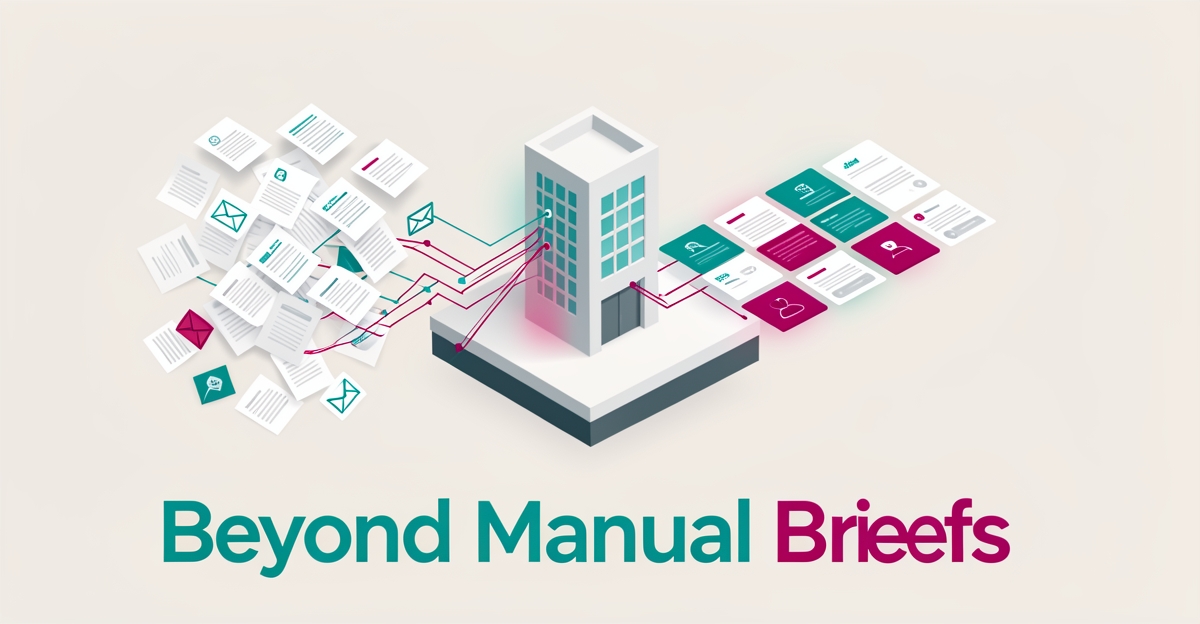
Why Most 3D Rendering Studios Still Use Manual Client Briefs (And How to Fix It)
Key Facts
- Unstructured briefs demand interpretation — a phrase like "modern but warm" can mean a dozen different things to a dozen different artists
- AI document processing extracts, interprets and structures client requirements from emails, PDFs and forms into consistent design parameters
- Structured briefs let designers explore more variations in parallel — materials, lighting, layouts — without losing alignment with client goals
- AI staff typically cost a fraction of a human hire while running around the clock, making intake automation viable for small studios
- Human oversight stays central: designers guide AI outputs, refine results and preserve creative intent
Hire a team member that works 24/7 — for less than a part-time wage.
AI receptionists, SDRs, dispatchers and 99+ roles. Trained on your business, fully managed.
Not sure where to start? Ask our AI planner
The Manual Brief Bottleneck in 3D Rendering Studios
Every 3D rendering studio knows the drill: a new project kicks off with a flurry of emails, a half-filled PDF questionnaire, and a phone call where the client describes their vision in vague, subjective terms. This manual brief process, while familiar, quietly drains hours from every project before a single polygon is modeled.
The core problem is that unstructured input demands interpretation. A client writes "modern but warm" in an email, and the designer is left guessing which of a dozen interpretations matches the client's mental picture. The broader industry shift toward AI-assisted visualization is driven by exactly the two things manual briefs undermine: faster turnaround and the ability to explore a wider range of design options.
When briefs arrive as scattered emails and static PDFs, the downstream costs compound quickly:
- Miscommunication at kickoff — vague or incomplete briefs lead to first drafts that miss the mark, triggering revision cycles that were avoidable from the start
- Lost design time — artists spend hours extracting requirements from email threads instead of iterating on creative work
- Limited exploration — when intake is slow, studios can afford fewer concept variations, which means clients see fewer options before committing to a direction
- Inconsistent data — details buried in attachments get overlooked, and critical constraints surface only after rendering has begun
The contrast with where the industry is heading is stark. Modern AI rendering tools can already generate photorealistic images and interactive walkthroughs from basic inputs like 2D floor plans and sketches. Yet many studios still treat the front end of their pipeline — the client brief itself — as a manual, analog process.
This is where AI document processing changes the equation. Instead of a project manager manually parsing an email chain, an AI system can extract, interpret, and structure client requirements from whatever format they arrive in — emails, PDFs, web forms — and convert them into actionable design inputs. AIQ Labs builds exactly this kind of intake system through [AI Workflow Builds](/workflow-builds), rebuilding the one workflow that costs your studio the most — and for many studios, that workflow is brief intake.
The result is not just administrative convenience. When briefs are structured and complete from day one, designers spend their time on creative direction rather than detective work. AI augments human expertise rather than replacing it, allowing designers to focus on creative direction and client engagement while technical workflows streamline. Studios that fix the brief bottleneck first gain a compounding advantage: every downstream stage runs faster.
From Unstructured Input to Actionable Design Inputs
Manual briefs arrive as scattered emails, annotated PDFs, and half-filled forms. The studio team then spends hours decoding preferences, chasing clarifications, and rebuilding parameters from scratch before any design work can start.
AI document processing changes that entry point. Systems extract, interpret, and structure client briefs from emails, PDFs and forms into consistent design parameters that the rendering pipeline can use immediately. This is unstructured input to actionable design inputs, and it removes the translation layer that creates early-project errors.
When brief data is structured up front, speed gains compound because artists are not reworking assumptions mid-project. Structured briefs enable the benefits studios are chasing. Designers can:
- Extract style cues, materials and spatial constraints from natural language and markups
- Normalize units, naming and deliverables across different clients and channels
- Generate parameter sets for lighting, camera, and material options for rapid exploration
- Flag missing or conflicting requirements before modeling begins
That consistency supports wider design exploration without losing control. With brief parameters standardized, teams can run multiple variations on materials, lighting scenarios, and layouts in parallel rather than sequentially — and present clients with more options in the same amount of time.
Human oversight remains central. Designers guide AI, refine outputs, and maintain creative vision so visuals align with client requirements. AIQ Labs deploys AI document processors in this category to reduce miscommunication and design errors in early project phases, turning fragmented briefs into a clean, reusable foundation.
The result is faster iteration, fewer revision cycles, and more time for creative direction and client engagement. AI is not intended to replace human expertise, but rather to augment it, allowing designers to focus on creative direction while technical workflows streamline.
AI Brief Automation in Practice for Rendering Workflows
AI brief automation transforms how rendering studios process client input by turning scattered emails, PDFs, and forms into structured design directives. AI document processors extract key requirements — preferred styles, material specifications, project timelines — directly from unstructured client communications. This reduces miscommunication during early project phases and minimizes costly design revisions later in the workflow. By automating the interpretation of client intent, studios shift focus from administrative clarification to creative execution.
During concepting, AI-processed briefs feed generative tools that rapidly produce initial visualizations from basic inputs like sketches or mood boards. These AI-generated concepts allow designers to explore multiple directions quickly, accelerating ideation without sacrificing alignment with client goals. In style exploration, the same structured inputs let AI apply diverse aesthetics — modern, rustic, minimalist — across base models, facilitating rapid comparison and client feedback loops.
In visualization and presentation stages, the clarified brief drives photorealistic renderings and interactive walkthroughs tailored to specified lighting, materials, and spatial requirements, reducing reliance on manual scene setup and repetitive texture application. Throughout all stages, human oversight remains critical: designers guide AI outputs, refine results for aesthetic quality, and ensure alignment with the original vision. Maintaining creative control through human guidance prevents generic outputs and preserves design integrity. By integrating AI brief automation, studios build a foundation where technology handles routine interpretation, freeing teams to focus on innovation and client collaboration.
Implementing AI Document Processing Without Disrupting Creative Teams
Starting with a workflow audit reveals where manual brief intake creates delays and miscommunication. Studios that structure data extraction from client inputs typically see faster project kickoffs and fewer revision cycles, especially when processing unstructured formats like emails and PDFs. Consistent, automated interpretation of briefs across team members reduces early-phase errors. This foundation lets studios adopt automation without overhauling how designers collaborate or receive direction.
Choosing the right extraction workflow means matching AI capabilities to the studio's most common brief formats — scanned sketches, annotated PDFs, or threaded email chains. Studios benefit most when systems are tuned to internal terminology, such as project-specific acronyms, material names, or client-facing jargon, so outputs align with creative intent. This step preserves the studio's voice while minimizing constant corrections or reinterpretation by artists.
Refining outputs through iterative feedback loops ensures the AI adapts to evolving brief styles and client communication patterns. Studios using this approach typically see smoother handoffs between account managers and design teams, with structured data feeding directly into project setup templates. AIQ Labs supports this transition with flexible engagement models — Start Monthly, Build in Milestones, or Own It Outright — so studios can scale AI capabilities at their own pace and retain full ownership of the systems built. If intake is your studio's biggest cost center, a [Workflow Build](/workflow-builds) targets exactly that one workflow at a fixed price, delivered in phases. To find out whether your bottleneck qualifies, take the two-minute [Fit Check](/apply).
Still paying for 10+ subscriptions that don’t talk to each other?
We build custom AI systems you own outright. No vendor lock-in. Full control.
Not sure where to start? Ask our AI planner
Frequently Asked Questions
Why do 3D rendering studios still rely on manual client briefs despite the availability of AI tools?
How does AI document processing improve the client brief intake process for rendering studios?
What are the main costs of using unstructured client briefs in 3D rendering workflows?
Can AI brief automation help studios explore more design options without sacrificing alignment with client goals?
Does using AI for client brief processing replace the need for human designers in rendering studios?
How should a studio get started with AI brief automation?
Fix the Brief, Unlock the Pipeline
Manual briefs are still common because they feel familiar, but the cost is hidden in the first hours of every project: miscommunication, detective work instead of design, and fewer concepts to show clients. Structuring client input up front turns scattered emails and PDFs into consistent design parameters, so artists can iterate on materials, lighting and layouts instead of chasing clarifications. That shift compounds downstream, reducing revision cycles and giving studios the speed to explore more options without losing creative control. Human oversight stays central; AI handles the routine interpretation so designers can focus on direction and client engagement. If your intake process is the bottleneck, start by auditing where brief data is lost between kickoff and modeling, then test structured extraction on your most common formats. AIQ Labs builds AI document processors that extract and structure requirements from emails, PDFs and forms into actionable design inputs for rendering workflows — as part of a [Workflow Build](/workflow-builds) you own outright. Take the two-minute [Fit Check](/apply) to see if your studio qualifies, then book a free 30-minute strategy call to map your biggest bottleneck. You can reach the team anytime at [email protected].
Make AI your competitive advantage — not just another tool.
Strategy, implementation and ongoing optimization. One partner, end to end.
Not sure where to start? Ask our AI planner