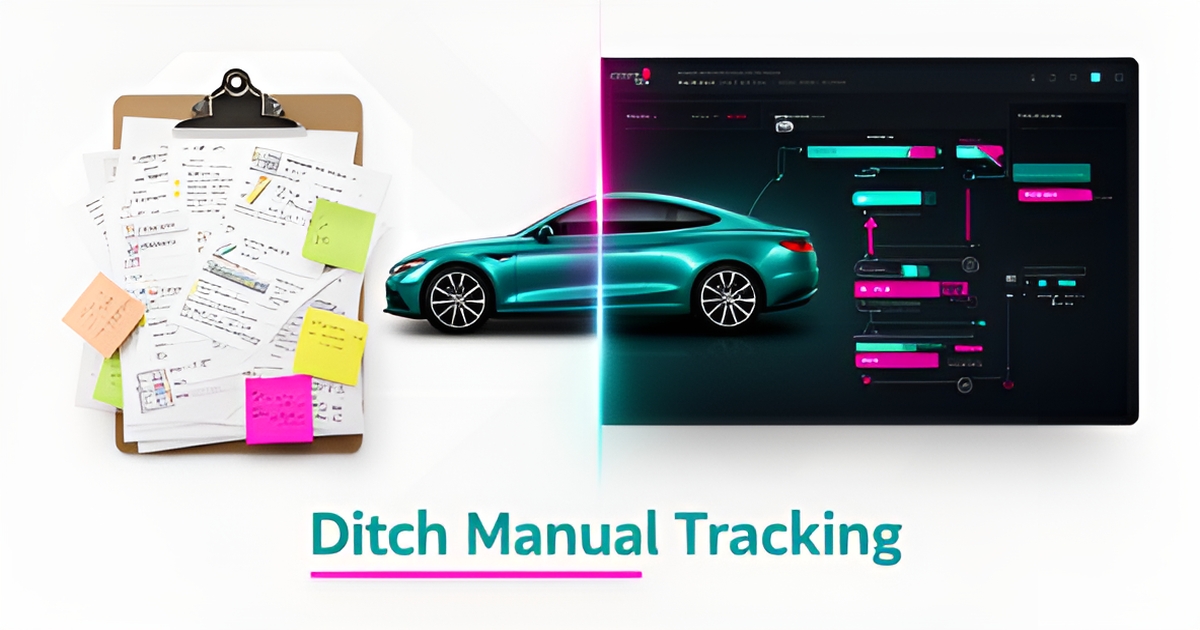
Why Most Auto Paint Shops Still Rely on Manual Job Tracking — And How AI Fixes It
Key Facts
- Manual job tracking creates blind spots that lead to data entry errors, delayed communication, and lost productivity
- Paper logs and disconnected spreadsheets often cause incorrect paint mixes, missed deadlines, and costly rework
- Predictive scheduling analyzes historical cycle times and booth availability to forecast completion windows and flag bottlenecks
- Real-time automation eliminates duplicate data entry by pushing instant updates across the shop floor and customer portal
- A phased approach—fixing one workflow first—protects daily operations while the transition happens
Hire a team member that works 24/7 — for less than a part-time wage.
AI receptionists, SDRs, dispatchers and 99+ roles. Trained on your business, fully managed.
Not sure where to start? Ask our AI planner
The Hidden Cost of Manual Job Tracking in Auto Paint Shops
The hidden cost of manual job tracking in auto paint shops goes far beyond the time spent filling out forms or updating spreadsheets. When technicians and shop managers rely on paper-based systems or disconnected digital tools, inefficiencies compound quickly—leading to data entry errors, delayed communication, and lost productivity that directly impacts the bottom line. In most shops, administrative work consumes hours every week that could be spent on actual paint jobs or customer service.
These manual processes create ripple effects throughout the shop. Misplaced work orders, illegible handwriting, and version control issues with spreadsheets often result in incorrect paint mixes, missed deadlines, or rework that wastes materials and labor. Technicians may wait hours for updated job details, while front staff struggle to provide accurate status updates to customers due to outdated or fragmented information. This lack of real-time visibility not only frustrates clients but also increases the likelihood of costly mistakes that damage reputation and erode trust.
Beyond immediate operational delays, manual tracking obscures opportunities for improvement. Without centralized, accurate data, shop owners cannot reliably measure cycle times, identify bottlenecks, or forecast workload—making it difficult to optimize staffing or inventory. The administrative overhead also diverts focus from higher-value activities like quality control, technician training, or customer engagement. The real drag on a shop isn't just how long a job takes. It's everything around it—and the true cost of manual tracking isn't the time spent on paperwork, but what it prevents teams from doing instead.
How AI Automates Real-Time Job Tracking and Reduces Errors
Paper logs and spreadsheets create blind spots the moment a job moves from prep to paint to detail. By the time a status is updated manually, customers are already calling for an update.
AI-powered workflow automation replaces that lag with real-time visibility. Intelligent data extraction reads work orders, time stamps, and technician notes as they are created, then pushes updates instantly across the shop floor and customer portal. The result is continuous tracking without manual entry.
The accuracy gains are immediate and measurable. When the same job data is captured once and propagated automatically, the errors that come from re-keying information—wrong vehicle details, missed parts, stale estimates—largely disappear. Shops typically see fewer disputes and less rework within the first weeks of a build going live.
Predictive scheduling is the next layer of automation. AI analyzes historical cycle times, paint booth availability, and parts lead times to forecast completion windows and flag bottlenecks before they delay delivery. Shops stop chasing status and start managing exceptions.
Manual tracking also drains capacity on non-value work. Repetitive updates, confirmations, and status calls pull technicians and service advisors away from the work that actually generates revenue.
Real-time automation changes the daily workflow:
- Automatic job status updates from shop systems, eliminating duplicate data entry
- Intelligent data extraction from invoices, photos, and technician notes for complete records
- Predictive scheduling that adjusts estimates based on live booth and staff capacity
- Proactive customer communication triggered by milestone completion, not staff memory
This is exactly what [AI Workflow Builds](/workflow-builds) is built for: rebuild the one workflow that costs you the most, at a fixed price, in phases. AIQ Labs has deployed 200+ multi-agent systems and runs four live SaaS products daily, so the systems we build are proven in production—not prototypes. Real-time tracking becomes part of the workflow rather than another tool to manage.
Fewer manual touchpoints mean fewer errors and faster throughput. When updates happen automatically and predictions guide scheduling, teams focus on quality and customer experience instead of chasing paperwork.
From Manual to AI-Driven: A Practical Implementation Path for Auto Shops
Manual tracking keeps paint shops reactive instead of running on real-time visibility. Moving to AI-driven job tracking is a deliberate transition, not a rip-and-replace, and it works best when built in phases that protect daily operations.
Start with a focused discovery of current workflows. Map how jobs enter the shop, move through prep, paint, and detail, and leave as invoices. Identify where paper logs, spreadsheets, or phone notes create delays and duplicate entry. This baseline shows integration points with existing scheduling, parts ordering, and customer communication tools, and defines the first workflow to automate.
Phase one targets a single critical workflow with a robust custom solution. For most shops this is intake to estimate and real-time status updates. An AI workflow fix can unify the job card, photo documentation, and customer portal so changes propagate instantly across the team. Build in Milestones supports this approach by splitting the build into phases, approving and paying per phase, and keeping everything built so far.
Staff onboarding happens alongside the build, not after go-live. Roles are trained on the new interface with the actual data they use daily, and guardrails are set for human-in-the-loop approvals on pricing and quality sign-offs. The system integrates with tools already in use for CRM, accounting, and project management, creating a single source of truth and reducing manual data entry.
Once the first workflow is live, expand toward a connected [AI Operating System](/ai-operating-systems). Dispatch, parts tracking, and customer updates are connected through automated data synchronization—one operating layer for the whole shop, built in phases and owned outright.
Continuous optimization keeps the system improving. Performance monitoring tracks error rates, cycle time, and customer response times, with feedback loops from technicians and service advisors.
A practical implementation path typically includes:
- Workflow audit and integration mapping with existing shop systems
- Pilot build of one job-tracking workflow with staff training and monitoring
- Department-wide rollout with automated updates and customer communication
- Ongoing optimization, adoption support, and scaling to additional processes
AIQ Labs helps shops deploy production-ready systems that integrate with existing operations, using low-risk, scalable adoption models. With payment options like Start Monthly, Build in Milestones, and Own It Outright, you can start small and eventually own a custom-built system outright—avoiding subscription sprawl and keeping full control over customization and future development. See [pricing](/pricing) for how the models compare.
Still paying for 10+ subscriptions that don’t talk to each other?
We build custom AI systems you own outright. No vendor lock-in. Full control.
Not sure where to start? Ask our AI planner
Frequently Asked Questions
Why do most auto paint shops still use manual job tracking instead of switching to AI?
How does AI reduce errors in auto paint shop job tracking compared to spreadsheets or paper logs?
Can AI really improve scheduling and reduce delays in auto paint shops?
What kind of time savings can auto paint shops expect from AI-powered job tracking?
Is it necessary to replace all existing systems when implementing AI job tracking in an auto paint shop?
What does an AI workflow build cost, and how do payment models work?
From Paper Trails to Real-Time Gains: Your Next Move
Manual job tracking in auto paint shops isn't just slow—it's silently draining time, increasing errors, and keeping teams from focusing on what matters: quality work and customer satisfaction. As we've seen, AI-powered workflow automation replaces guesswork with real-time visibility, reduces data entry by eliminating duplicate updates, and uses predictive scheduling to keep jobs moving smoothly. The result isn't just fewer mistakes—it's reclaiming hours previously lost to administrative drag and redirecting them toward higher-value activities like technician training, quality control, and proactive customer communication. For shop owners ready to move beyond spreadsheets and paper logs, the path forward starts with a focused look at your current workflow. AIQ Labs helps auto shops take that first step: complete the [2-minute Fit Check](/apply) and book a free 30-minute strategy call to map your biggest bottlenecks and identify where AI-driven automation delivers the fastest, most measurable impact—without disrupting daily operations. Schedule your free 30-minute strategy call to see how a custom AI workflow fix can turn job tracking from a liability into a competitive advantage.
Make AI your competitive advantage — not just another tool.
Strategy, implementation and ongoing optimization. One partner, end to end.
Not sure where to start? Ask our AI planner